![CV_logo_horizontal_outline COPY.png]](https://support.cannavigia.com/hs-fs/hubfs/CV_logo_horizontal_outline%20COPY.png?height=40&name=CV_logo_horizontal_outline%20COPY.png)
We’re excited to introduce the latest updates to Cannavigia Core, with a strong focus on improving communication within the platform through our new Notifications system!
Updates and New Features
Notifications
We’ve introduced a new Notifications system to help users stay informed about important updates, features, and system messages directly within Cannavigia.
What’s changing
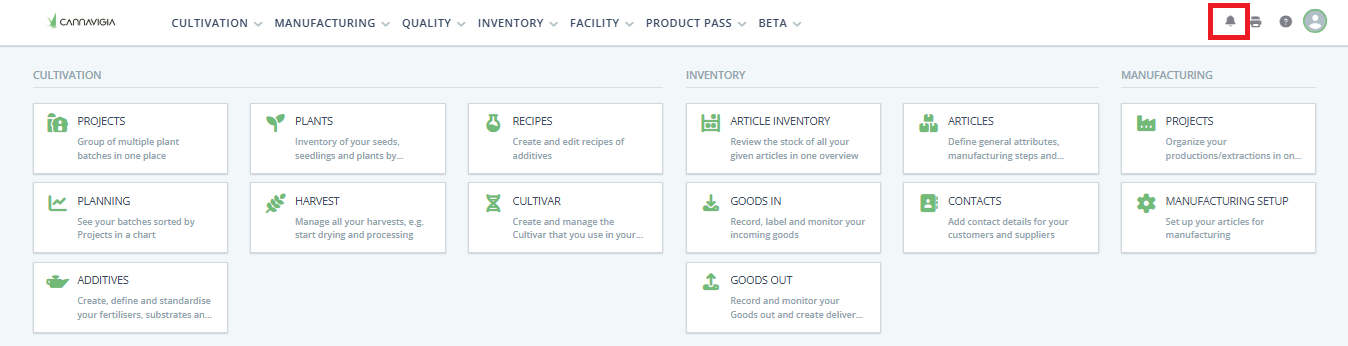
A new notification bell icon is now available in the top navigation bar.
Clicking the bell opens a notifications panel where users can view recent notifications, sorted by newest first. Each notification includes a title, message, and a relative timestamp (e.g., Just now, 5 min ago, Yesterday).
Unread notifications are highlighted with a counter badge, and users can mark notifications as read or unread. The system remembers this state across sessions.
Notifications are available for the last 30 days, ensuring users stay up to date without clutter.
Full Notifications Page
In addition to the panel, users can now access a dedicated Notifications page.
This page provides a complete overview of all notifications, with the ability to:
-
-
Search notifications by title or message
-
Filter by All, Read, or Unread
-
Mark individual notifications or all notifications as read
-
This gives users more control and flexibility in managing their notifications.
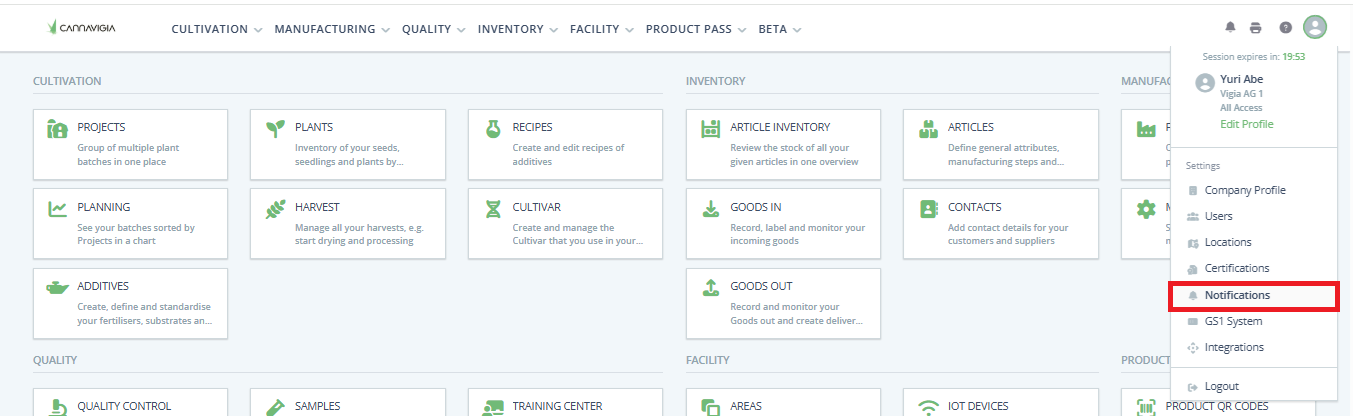
Over time we will add more Notifications to the application, always with the possibility for you to customize what you want to be notified about.
Article Batch Packages
We’ve introduced Article Batch Packages, a new way to package harvest batches into individual, addressable packages for better traceability and inventory control.
With this update, you can now create individual packages from a harvest batch and assign package-specific details, including
-
Unique package ID
-
QR code for each package
-
Tare weight
-
Net weight
-
Packaging date
Each package can now be tracked independently, making it easier to identify, manage, and trace packaged product throughout your workflow.
Users can enable or disable Individual Packages directly on the Article Quality tab. When enabled, article batches require package-level tracking and packaging management.
To support this workflow, article batches with Individual Packages enabled now include a dedicated Packages table in the article batch detail view for improved package visibility and management.
This first release focuses on creating packages from a harvest batch. In next week’s update, we’ll add the ability to include these packages in a Goods Out process.
Israel Compliance Updates
We’ve introduced new features to support regulatory requirements for Israeli producers.
-
Company Profile Attributes
When the company is based in Israel, users can now add:-
I.M.C.A. Code
-
Secal Code
-
-
Article Batch Package Labels
Users can now generate and print article batch package labels in the required 10 × 10 cm IMCA format directly from the Print Center.
General
-
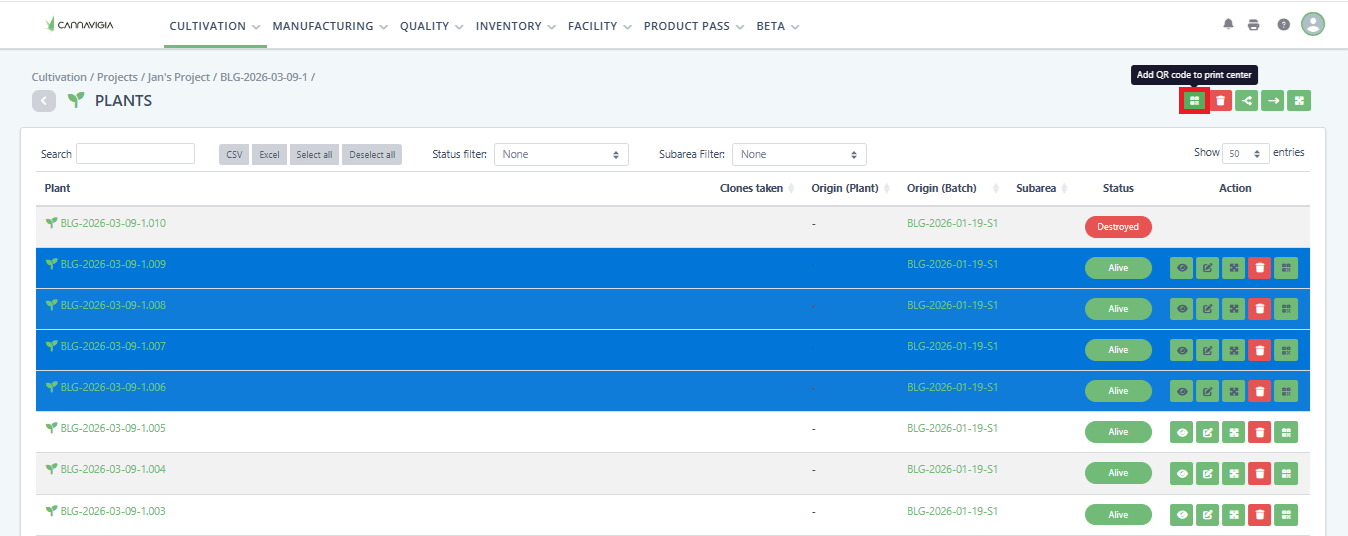
Users can now select multiple tagged plants and send them directly to the Print Center
-
Enhanced Harvest Batch Last Activity logs with clearer and more detailed messages
-
Updated the font on the Delivery Note for the Goods Out ID below the QR code.
-
Increased Goods Out Decimal Precision to 4 decimals when adding a batch.
Bug Fixes
-
Fixed missing translation in manufacturing production validation error
-
Fixed search in Goods Out (article number and batch name)
-
Fixed Delivery Note cosmetic issues
-
Fixed plant batch move functionality
-
Fixed issue where plant phase was not updated after move/next phase
-
Fixed an issue where users had to record waste twice when destroying quantities
-
Fixed an issue where it was not possible to perform Goods Out for the full available amount in certain cases (e.g., batches with 3 decimal precision)
-
Fixed an issue where the article number search was not working correctly in the article inventory