![CV_logo_horizontal_outline COPY.png]](https://support.cannavigia.com/hs-fs/hubfs/CV_logo_horizontal_outline%20COPY.png?height=40&name=CV_logo_horizontal_outline%20COPY.png)
Plant Batch Actions • Support • Equipment Images • Breadcrumbs • Single Plant Picture
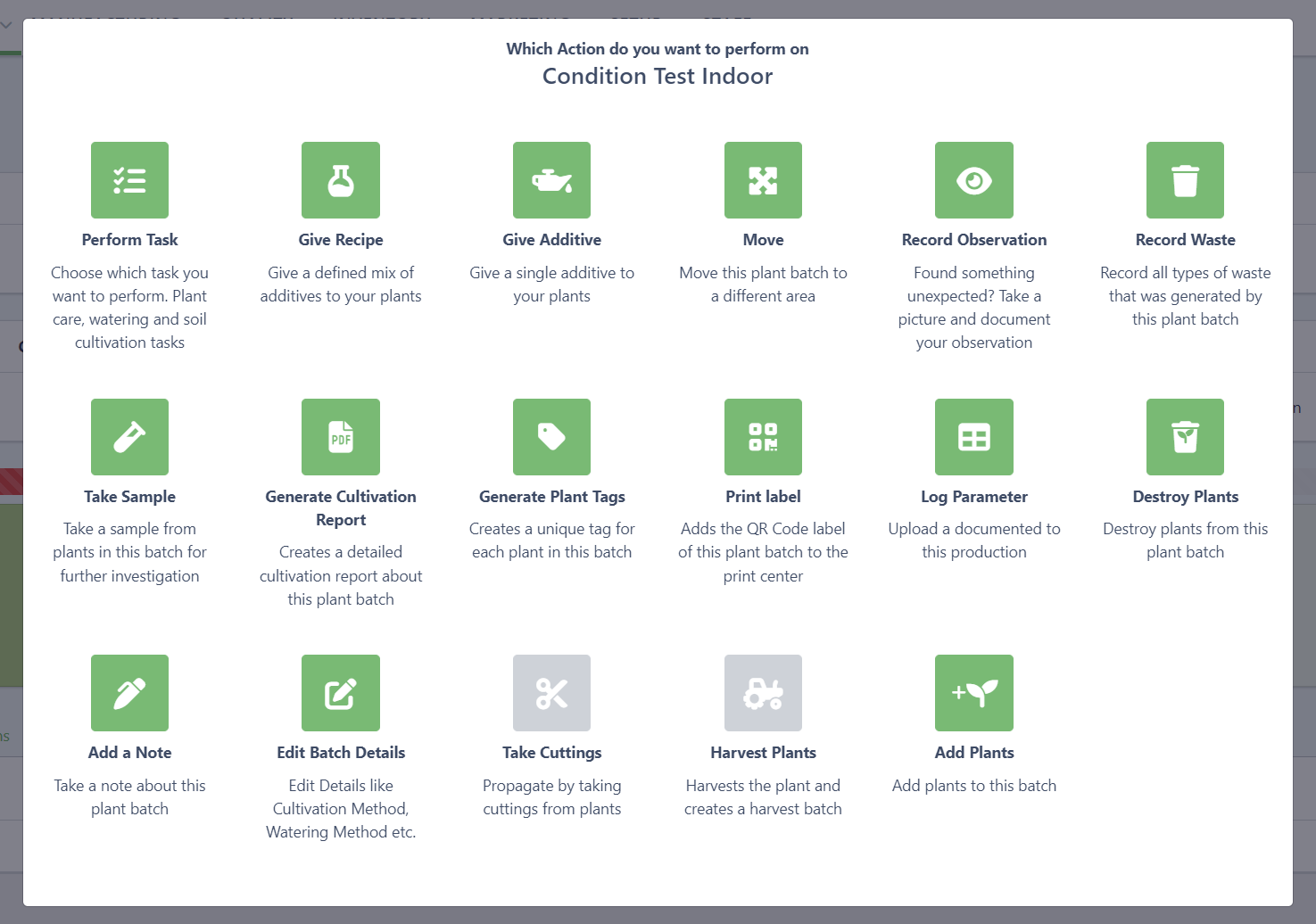
Plant Batch Actions User Interface
To simplify the User Experience working in a plant batch we have replaced all the action buttons with just one Actions button on the top right identical to the manufacturing module. This will open an overview of all the actions you can perform in a plant batch. Natively supports working on tablets and gives a description for each action you can perform.

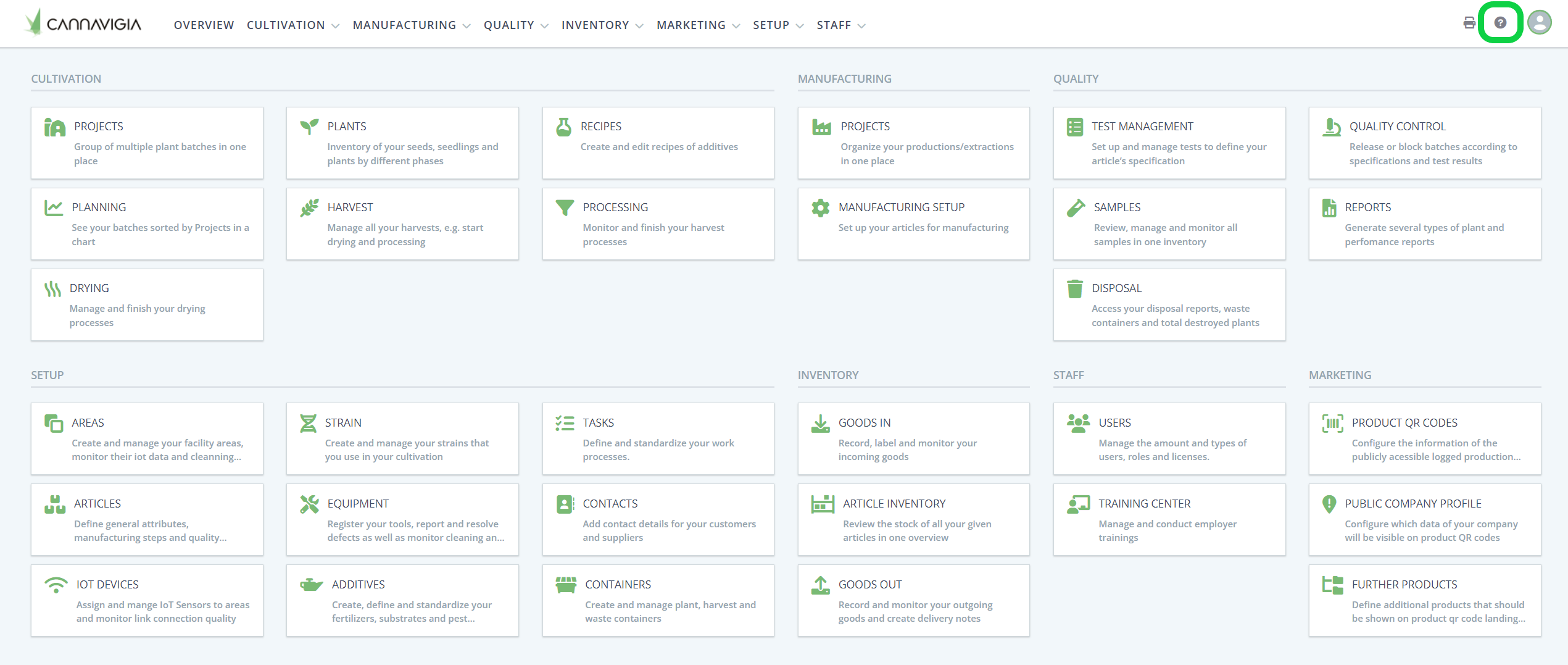
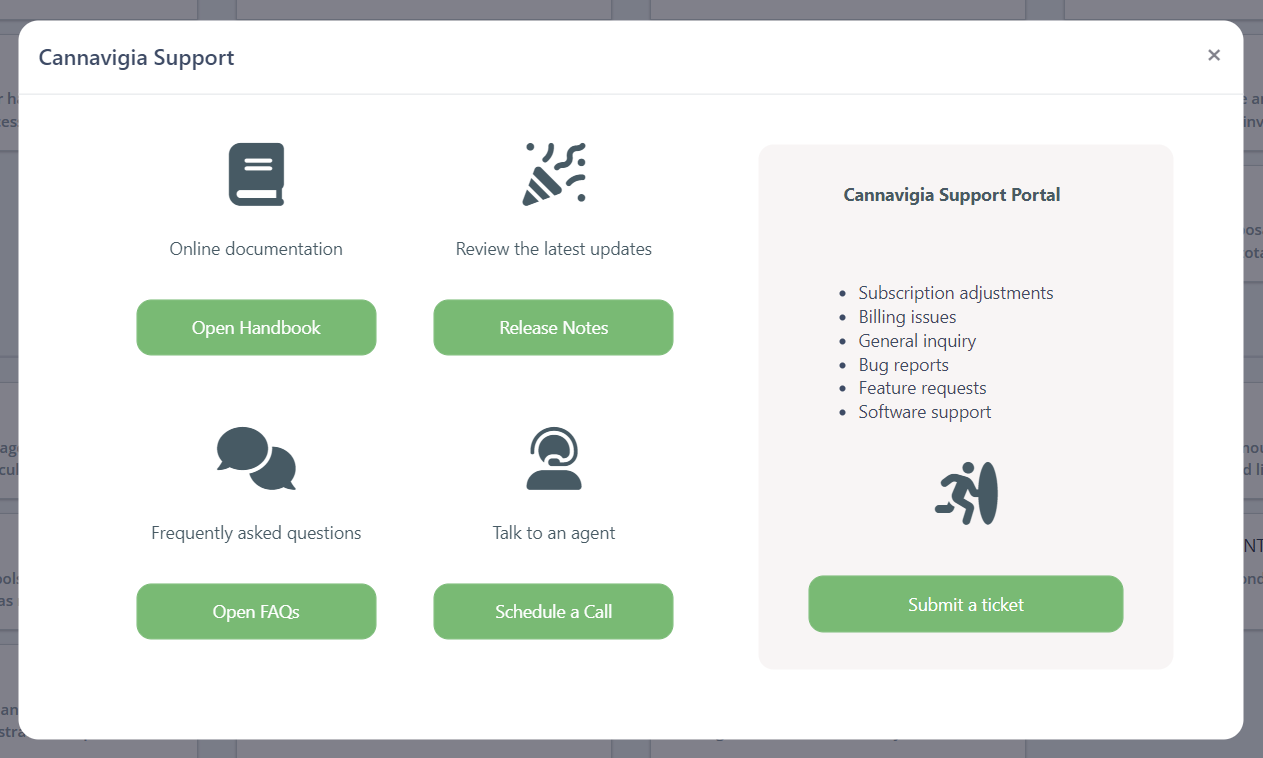
Need help? Check out the new Support
On the top right, you will find a small question mark right next to your profile button. If you require support click on the button and you will be able to access our Support features.
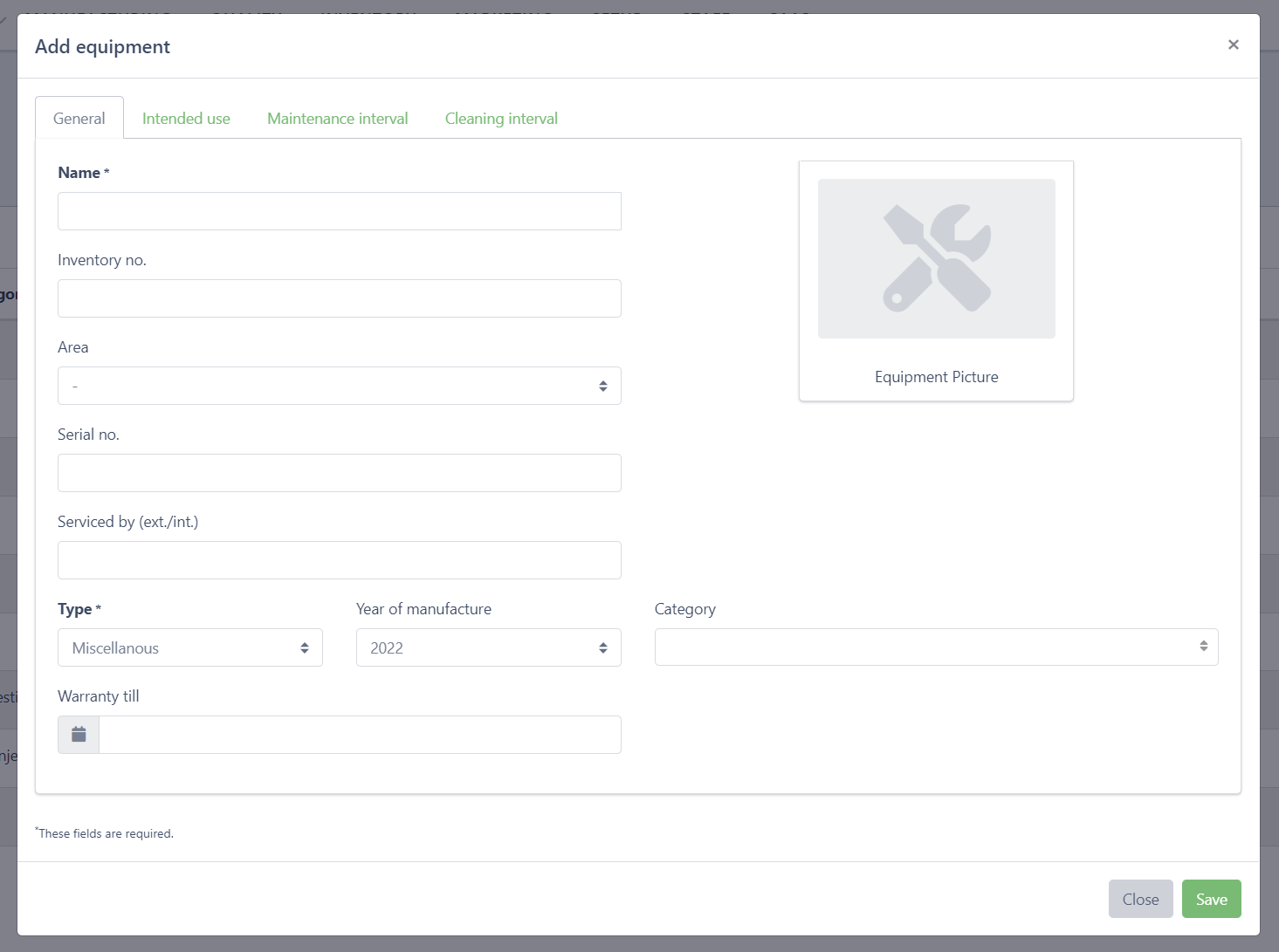
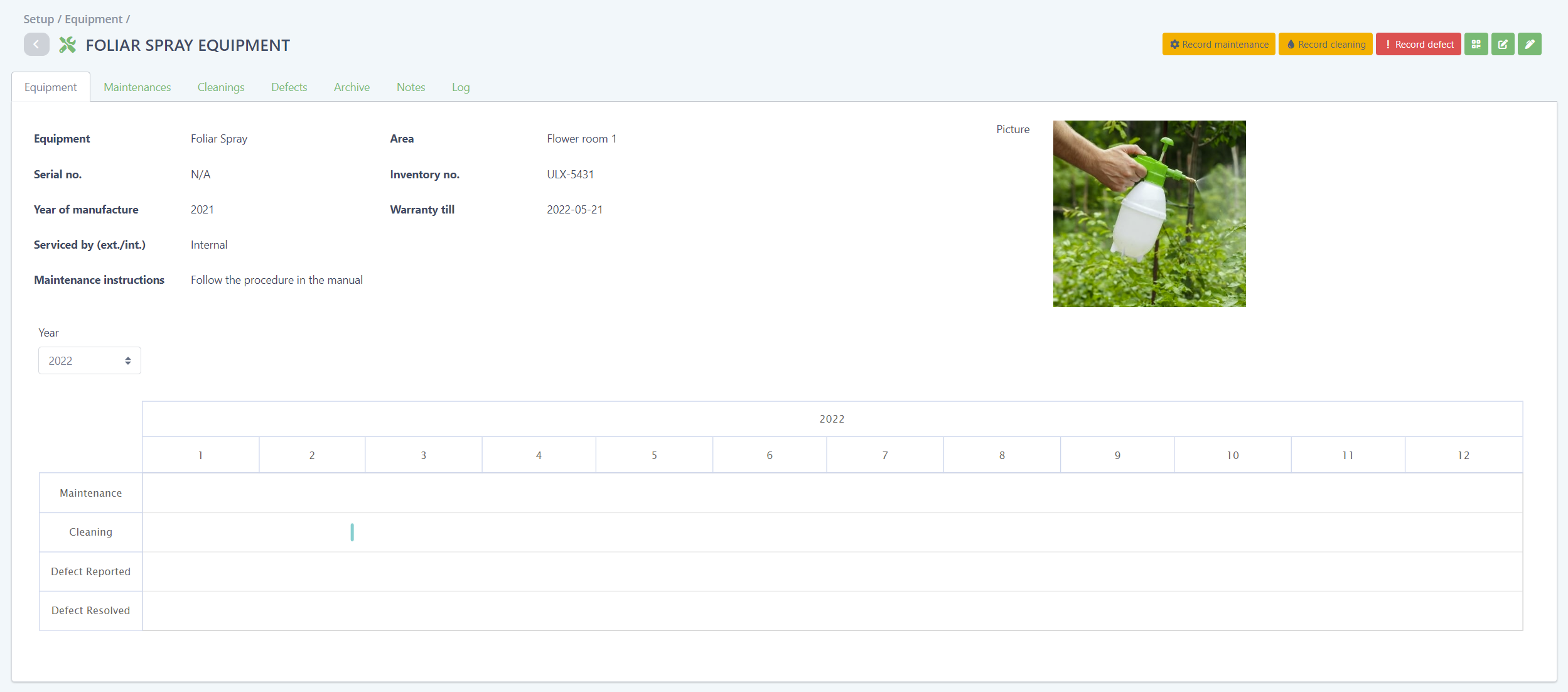
Add Pictures to your Equipment
You can now upload pictures of your equipment. Head over to SETUP > Equipment and click on the edit button to start uploading your equipment pictures.
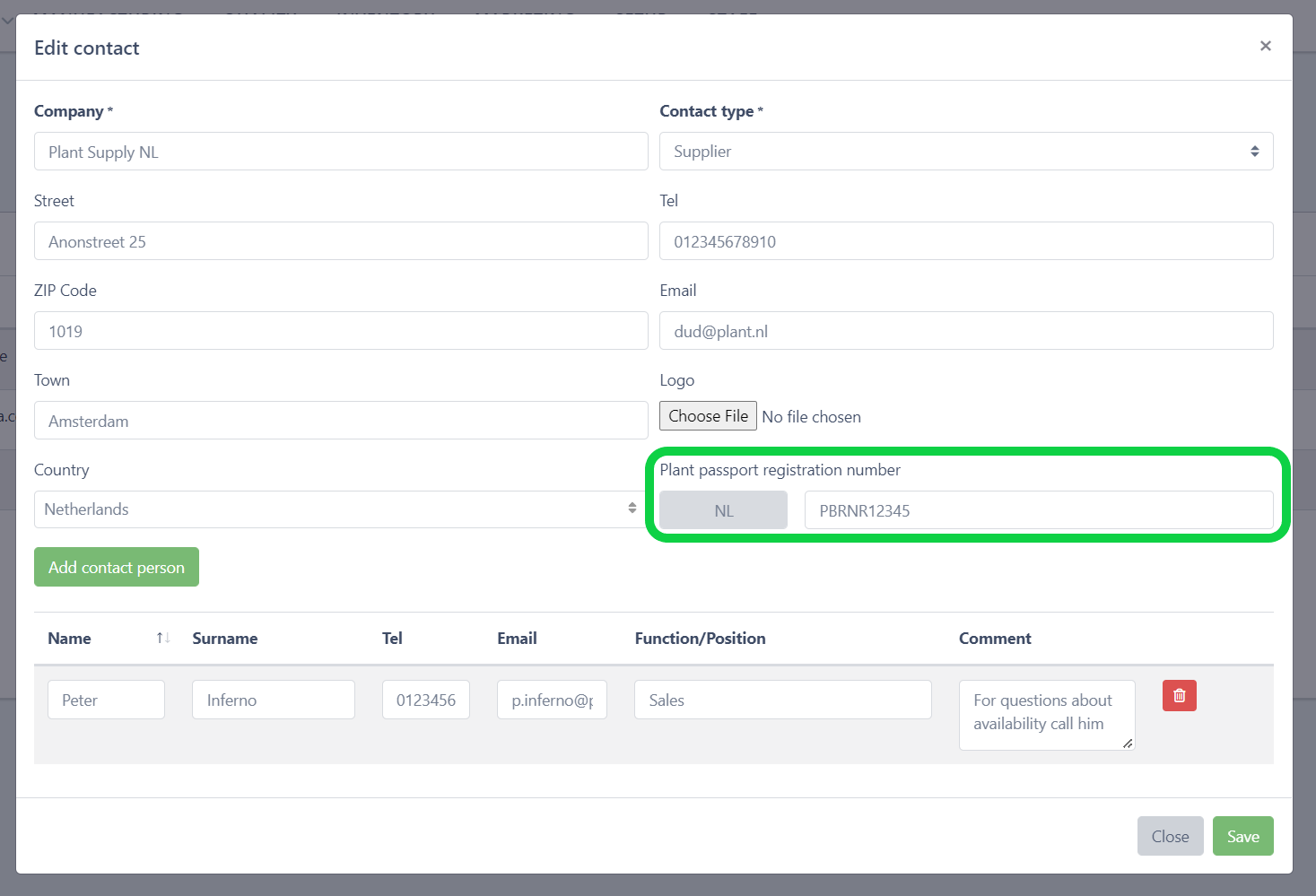
Improved Plant Passport Registration Number on Suppliers
Selecting the country will now set the two letter code at the beginning of the plant passport registration number.
New Title Bar: Breadcrumbs
The old title bar is replaced with a new sleek title bar that includes breadcrumbs and a back button on every view in the software. This especially helps new users to always know where they are and the back button is something we think everyone appreciates.

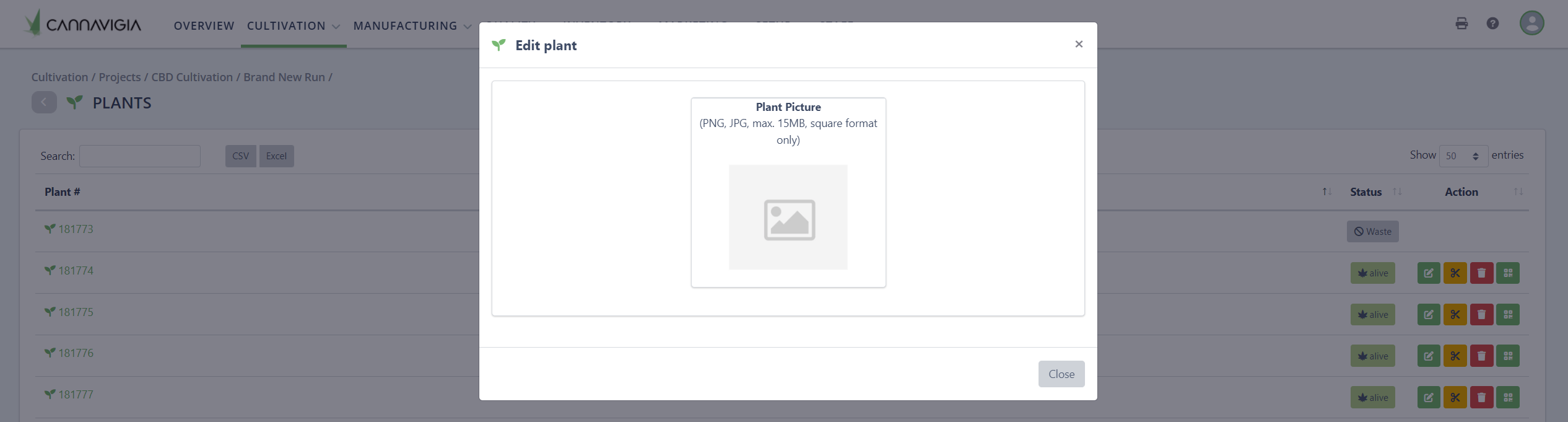
More Details for every Plant: Picture
The first step of many to come for single plants. You can now upload a picture of every single plant. This requires that you generate plant tags for your plant batch that allows you to track every single plant.
Goodbye Plant Containers
Unfortunately we had to remove plant containers due to their limited use. If you don’t know what plant containers are you wont miss them.
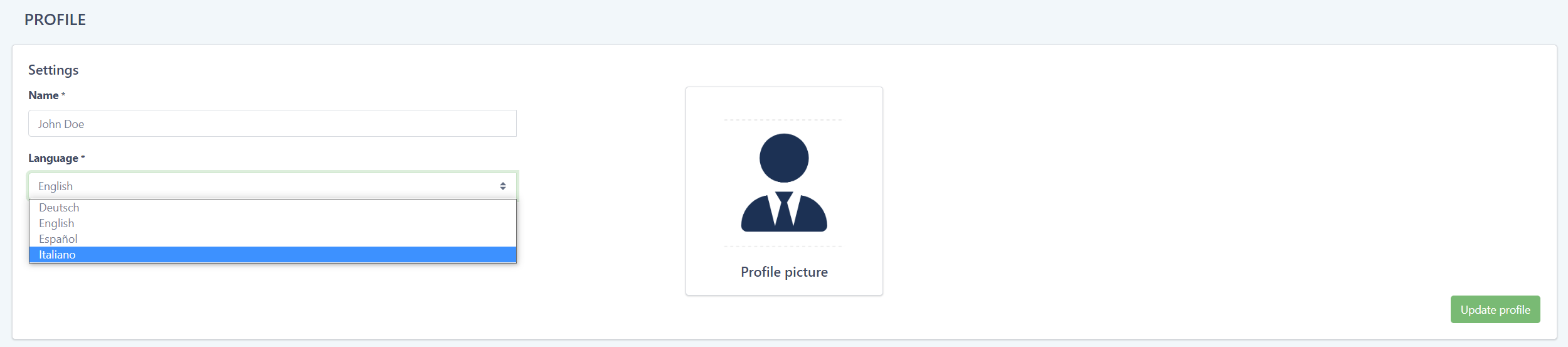
Parla italiano?
Do you speak Italian? The software is now available in Italian. To switch your language, go to you profile settings and select Italiano as your language and click on Update profile.
General
- Fixed minor Issues with the Plant Material Batch Certificate
- Bugfixes
- Performance Improvement
- Manufacturing UX improvements
- When disposing waste containers, a document upload is possible