![CV_logo_horizontal_outline COPY.png]](https://support.cannavigia.com/hs-fs/hubfs/CV_logo_horizontal_outline%20COPY.png?height=40&name=CV_logo_horizontal_outline%20COPY.png)
1.1 Account Activation
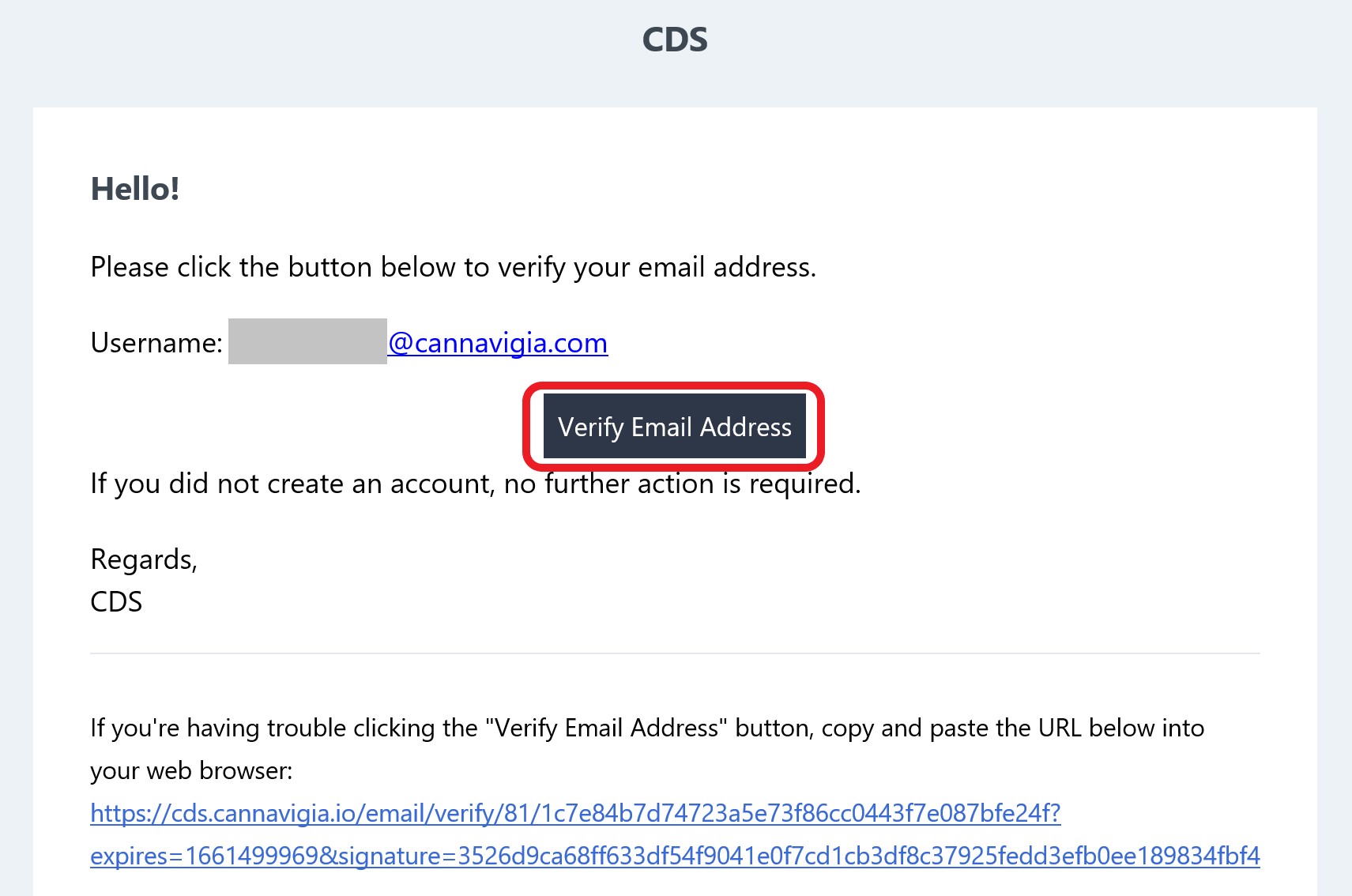
- Once your account has been activated by Cannavigia, you will receive an email granting you access to the platform.
- Check that your user email address is correct.
- Click on "Verify Email Address".
1.2 Log in
Go to Cannavigia: https://cds.cannavigia.io/ > "Login with eIAM" > follow the eIAM login instructions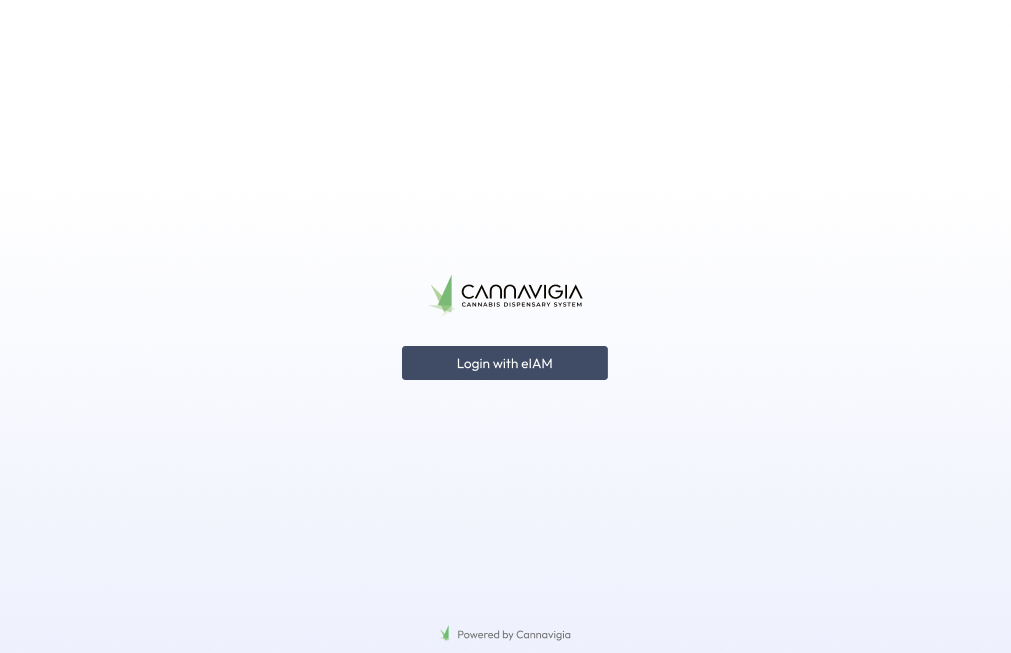
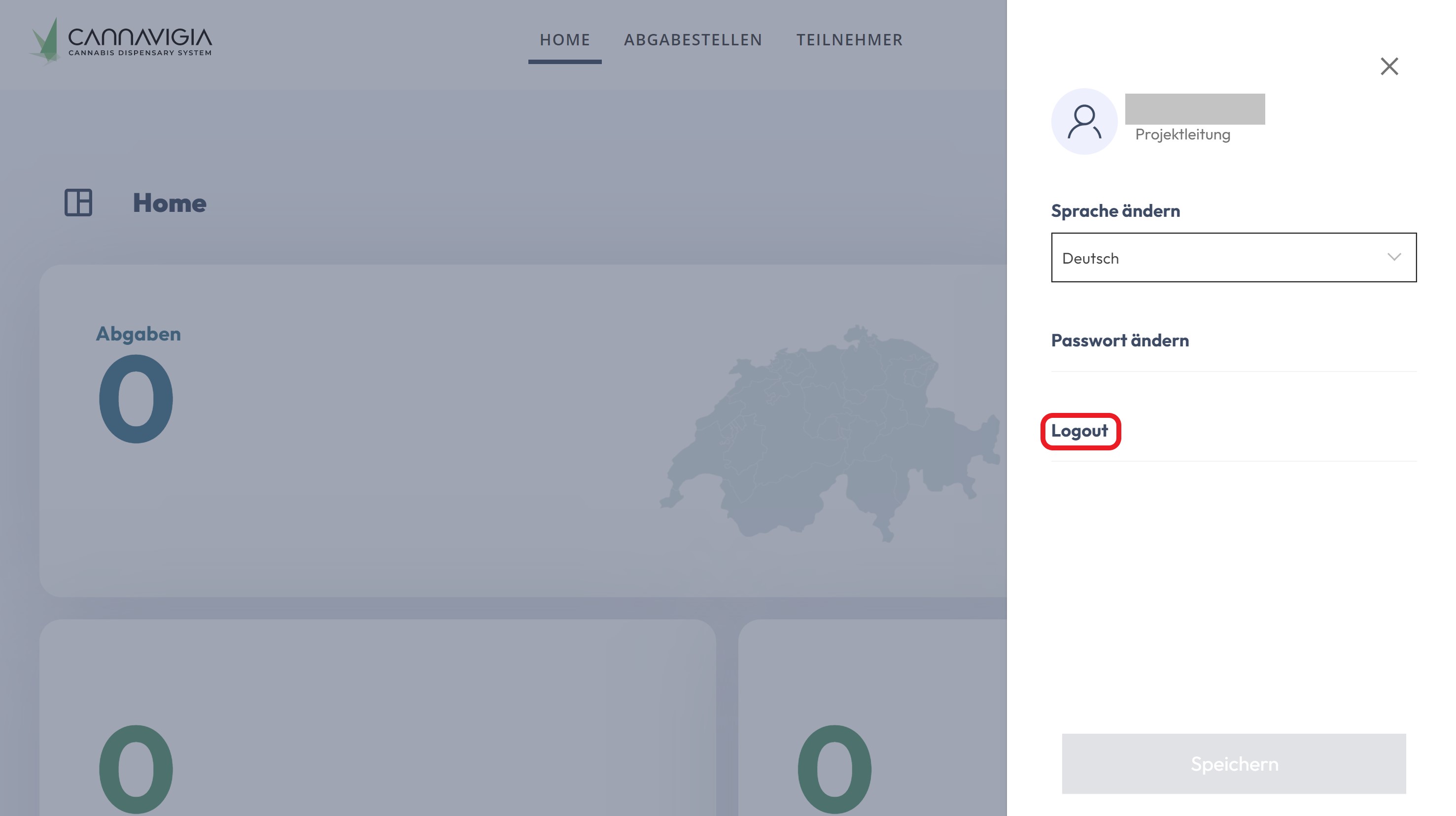
2.3 Change Language / Logout
"Home" > "Home" > account icon > "Logout"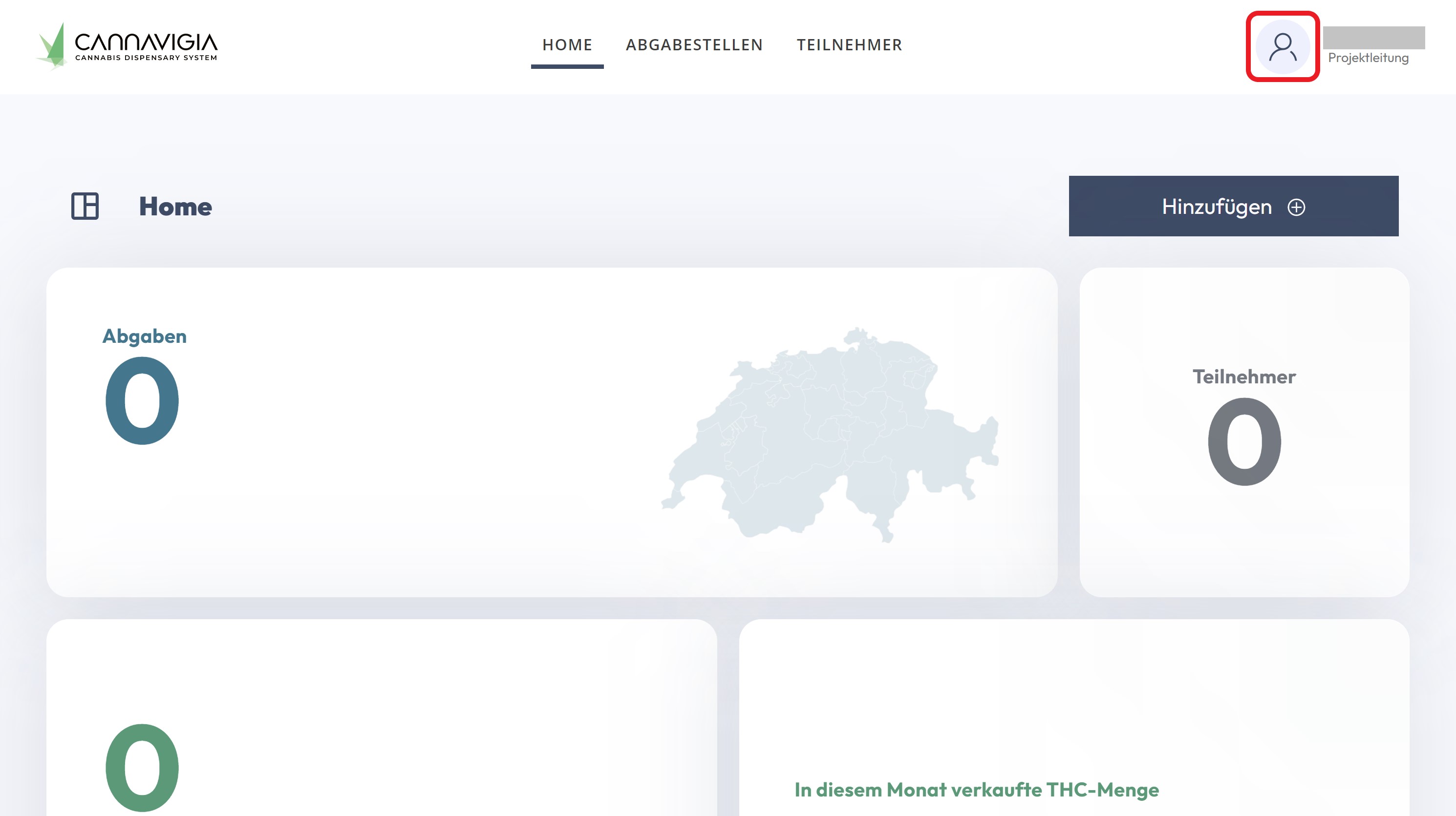
2.3.1 Change language
Click on "Change language" > drop-down menu > select language and click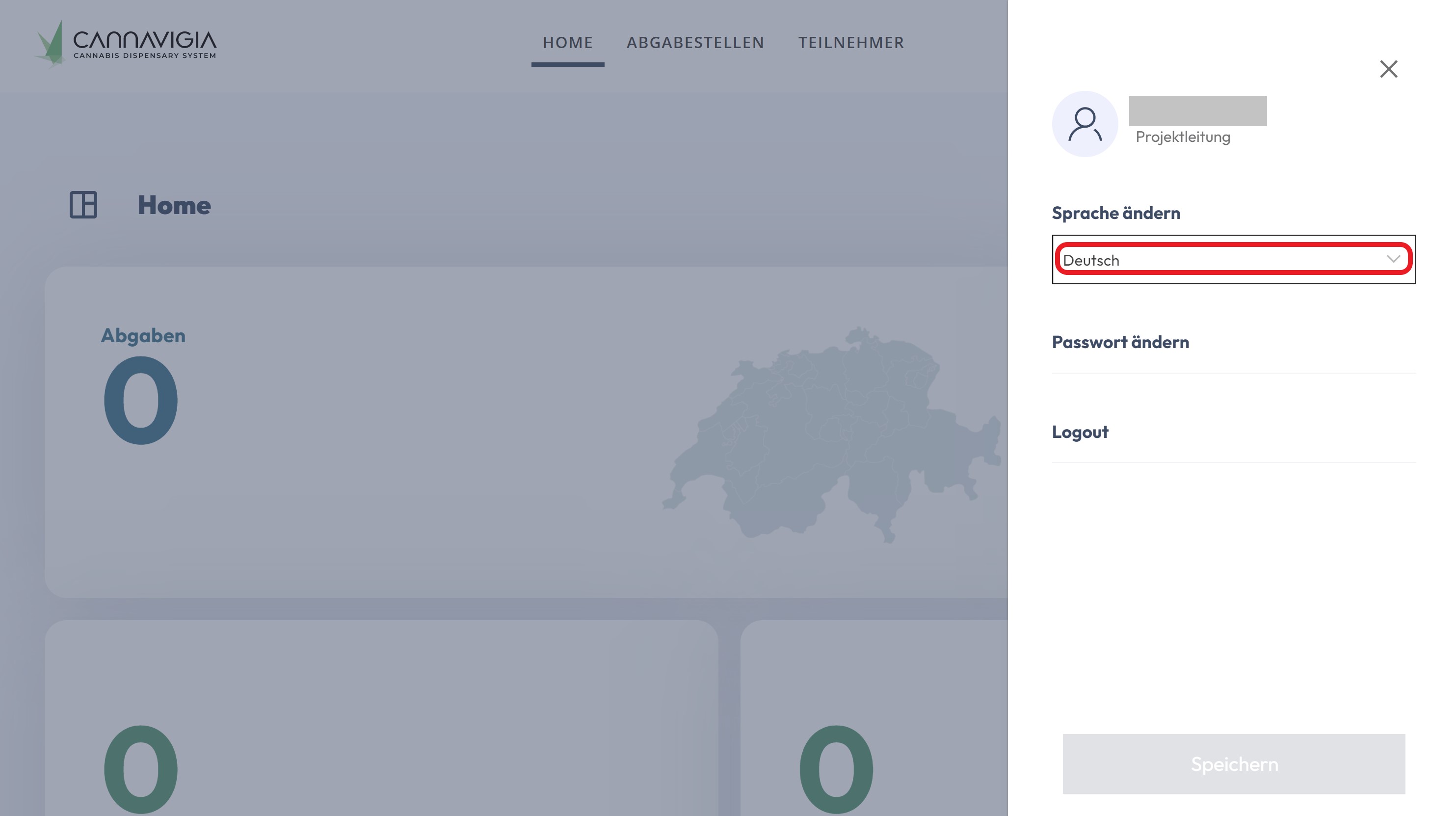
2.3.2 Logout
"Home" > account icon > "Logout"
ℹ️If the email with the link does not arrive, consult the FAQs at the end of the manual.